Five views over the day's ideas.
The webapp is a local-first dashboard for the engine's output. Same morning mist palette as everything else — near-monochrome, single muted teal accent, Light and Dark modes from one variable set. All screenshots below are full-page captures of the running dev server on Karasuma; the engine hadn't produced today's ideas at capture time, so most counts read zero and the layouts show their empty states.
Ritual
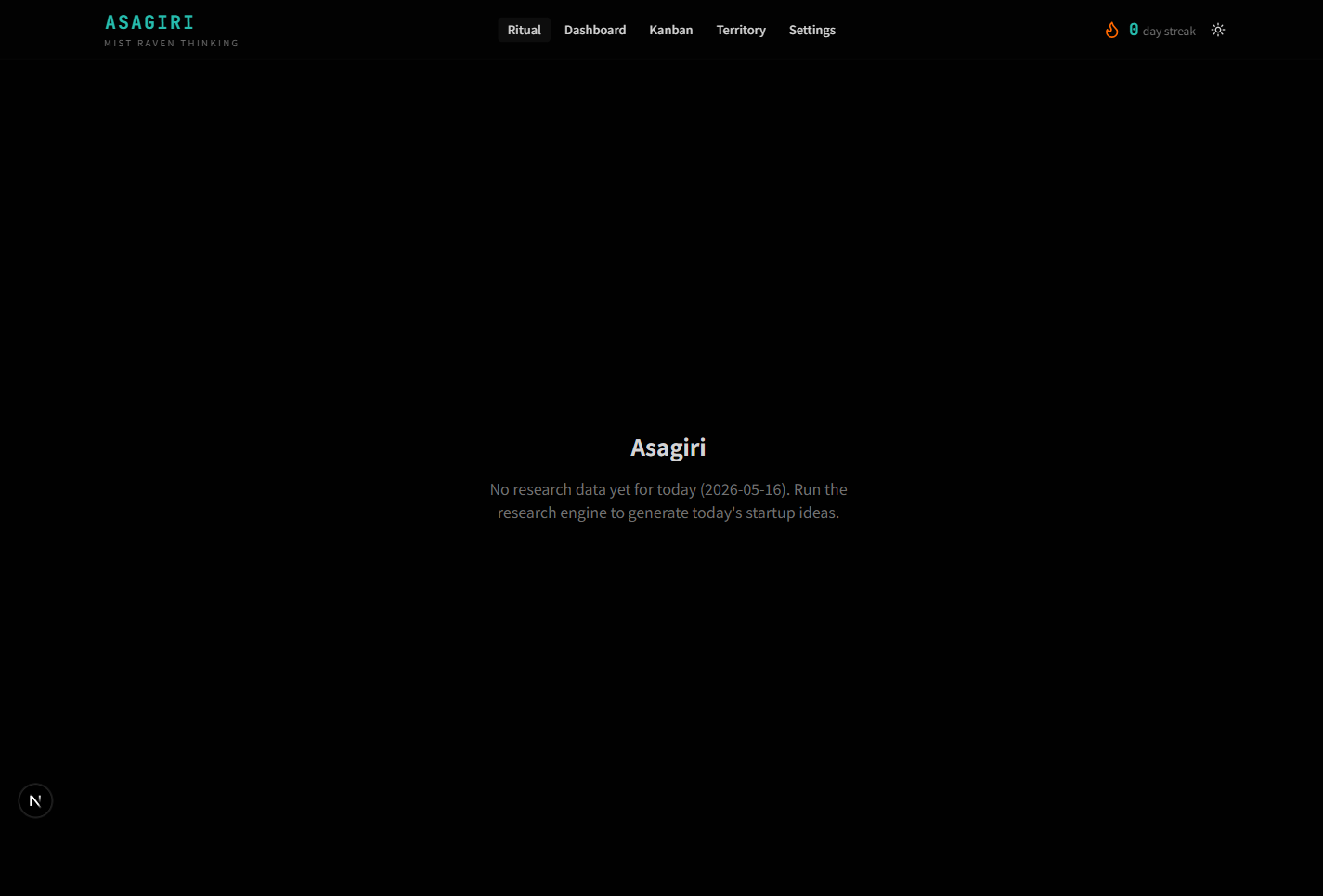
The entry view. A guided morning flow: read yesterday's reviewed ideas, rate today's fresh batch, schedule the next review checkpoints. When the engine hasn't run yet, the page is honest about it instead of showing a skeleton — "No research data yet for today, run the engine."
Dashboard
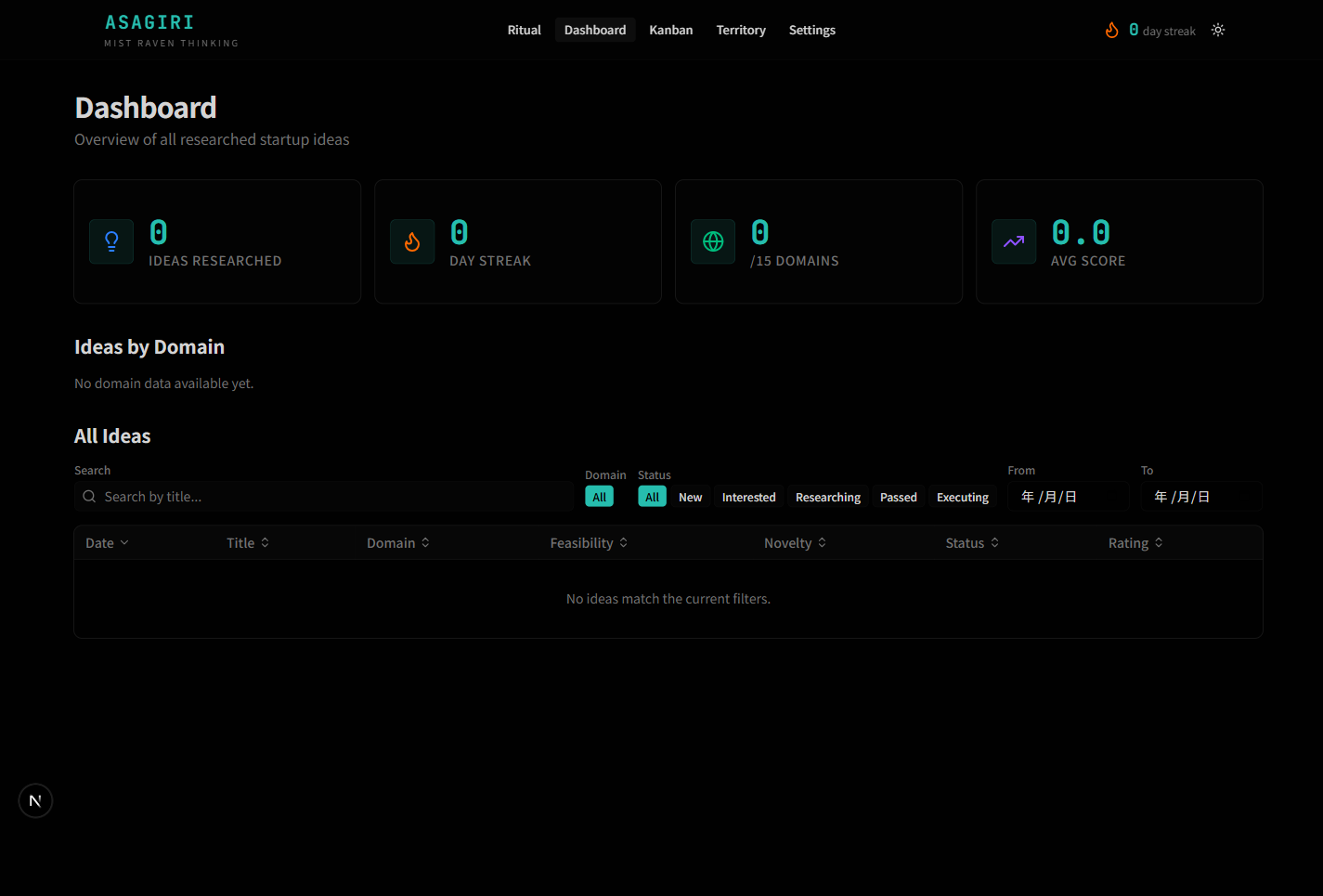
Aggregate view over every idea ever produced. Four KPI cards at the top (Ideas Researched, Day Streak, Domains Covered out of 15, Avg Score), a bar chart of ideas by domain, then a filterable+sortable table of every idea with date, title, domain, feasibility/novelty scores, status, rating. The status pills are a controlled vocabulary — New, Interested, Researching, Passed, Executing — shared with the Kanban view.
Kanban
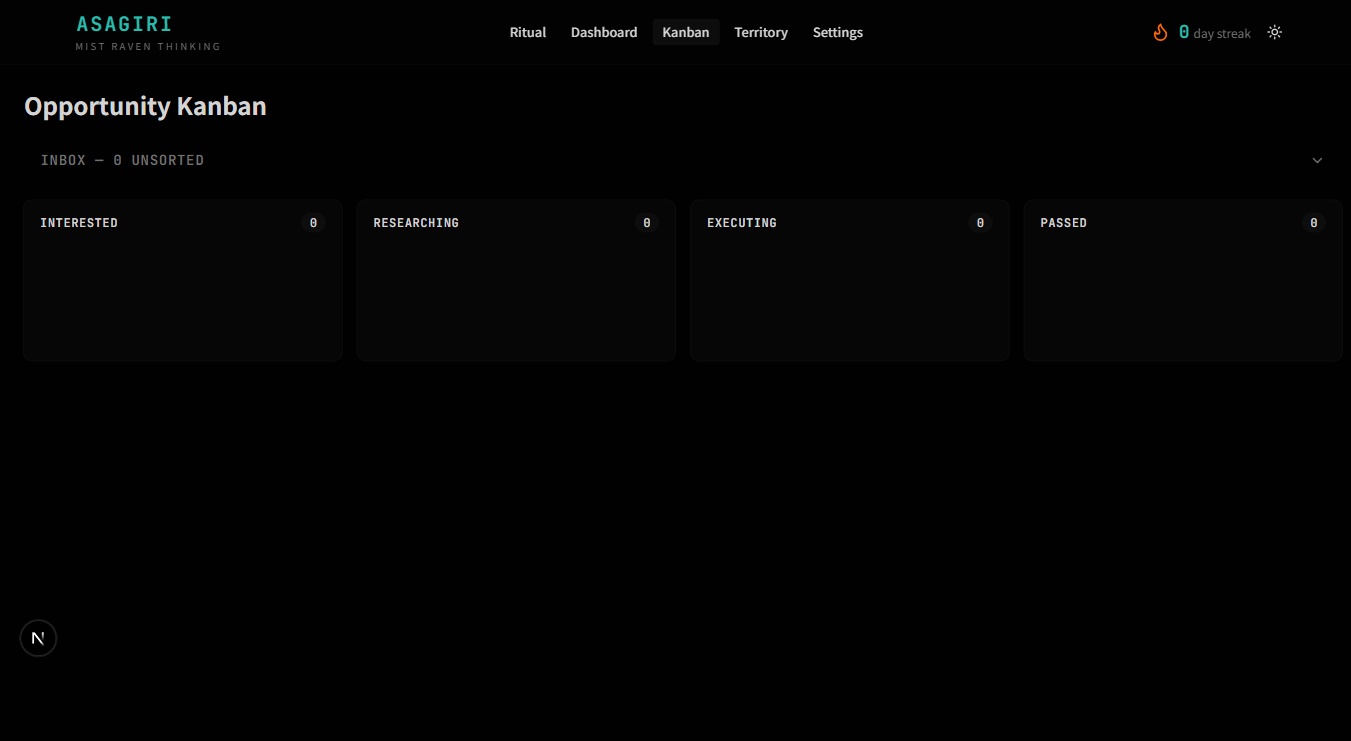
Triage board for moving ideas through the funnel. Inbox at the top (collapsible), then four parallel columns: Interested, Researching, Executing, Passed. Drag-and-drop between columns updates the idea's status in the JSON store. The same vocabulary as the Dashboard's status column — the views stay in sync because they read the same file.
Territory
Coverage map across the 15 domains the engine cycles through. Grid view shows each domain as a card with idea count; Table view sorts by ideas, feasibility, novelty, or alphabetically. A domain is "uncharted" until it has produced its first idea — useful for spotting blind spots in the rotation.
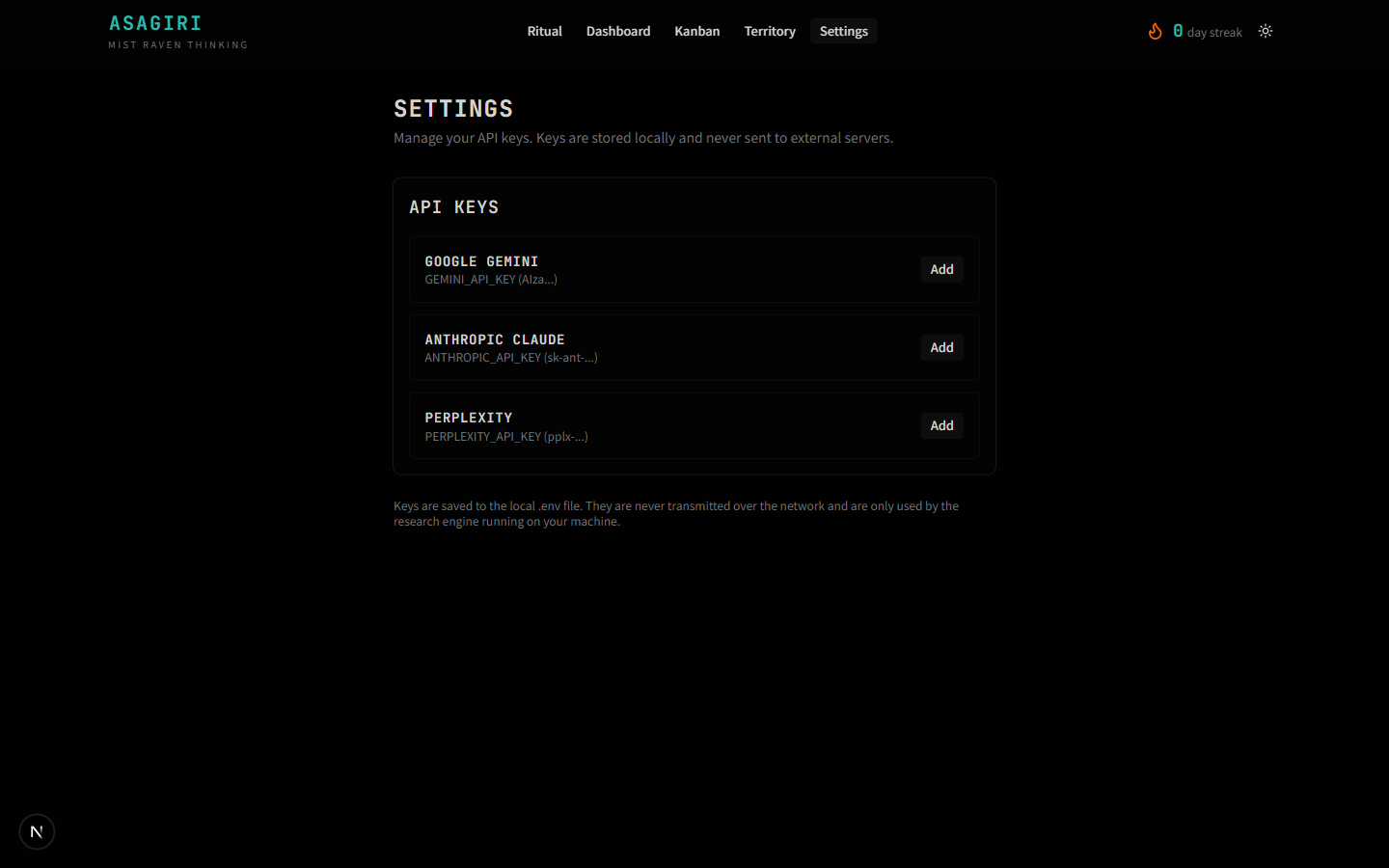
Settings
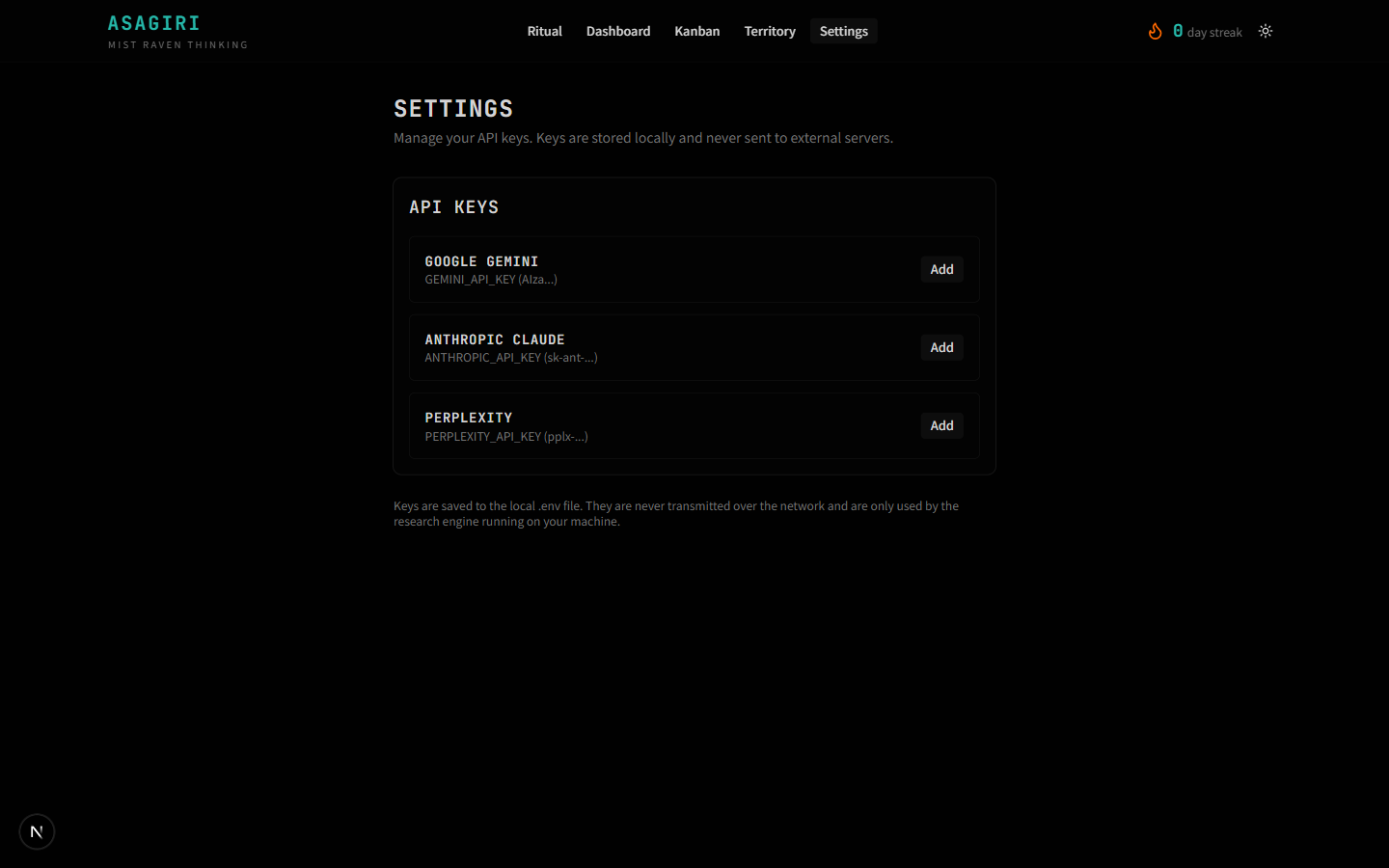
Key management. Each provider has its own row with a redacted preview
of the saved value. Keys are written to engine/.env on the
local machine and never leave it.
BRAVE_API_KEY as optional search
fallback. The Settings UI hasn't caught up yet; that's open work on
the webapp side, not in the engine refactor.
Design notes
Three deliberate choices visible across all five pages:
- Honest empty states. Pages that depend on engine output say so directly ("No research data yet for today, run the engine") instead of rendering ghost cards. The empty state is the truthful state until the cron runs.
-
One accent, one mood. Muted teal
(
oklch(0.55 0.10 185)dark,oklch(0.48 0.10 185)light) is the only chromatic colour in the system. No gradients, no glassmorphism, no purple. The interface should feel like a terminal with manners. - Same vocabulary everywhere. Status names (New, Interested, Researching, Executing, Passed) are identical across Dashboard's filter pills, Kanban's columns, and the JSON store. One controlled vocabulary, surfaced three ways.
Stack
| Layer | Choice | Reason |
|---|---|---|
| Framework | Next.js 16 (App Router, Turbopack) | Fast dev loop; file-based routing fits the small page count. |
| UI primitives | shadcn/ui | Copy-paste components, full source ownership, accessible defaults. |
| Styling | Tailwind v4 + custom tokens | OKLCH-based palette, dark mode via a single class flip. |
| Data | File reads against engine's JSON output | No DB; the JSON files are the source of truth. |
| Charts | Recharts | Accessible by default, fits the small-data use case. |
| Build | pnpm + Turbopack | Workspace-friendly with the widget submodule. |